Quick Cursor App
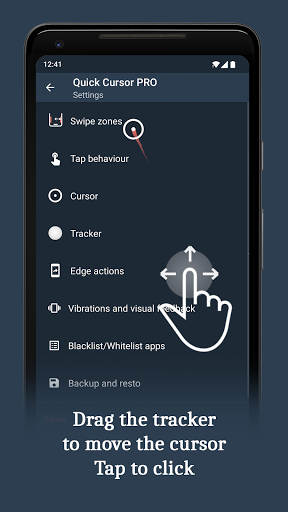
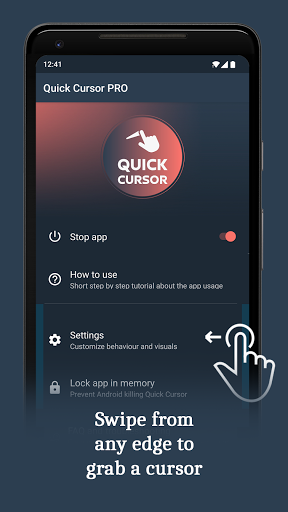
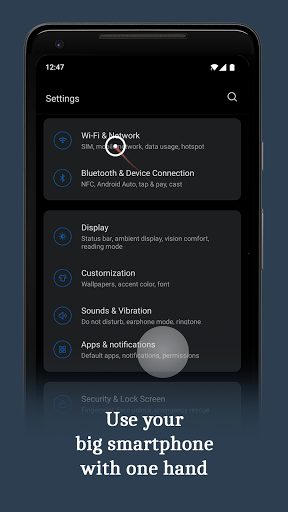
Makes it easier to use large smartphones with one hand by introducing a computer like cursor controlled with one finger by swiping from edge of the screen.
- Swipe from left or right margin from the bottom half of the screen.
- Reach the top half of the screen by dragging the tracker using one hand in the bottom half.
- Touch the tracker to click with the cursor. The tracker will disappear on any action outside the tracker or after a period of time.
What's new in 3.3.2
- Unlocked additional features in the free version.
- Added a new folder action to better organize actions.
- Introduced multi-level pie trigger actions.
- Introduced multi-level tracker actions.
- Added presets for trigger, tracker, and edge actions.
- Improved the increase and decrease actions for volume and brightness.
- Added an option to disable animations in debug settings.