Quick Cursor 앱
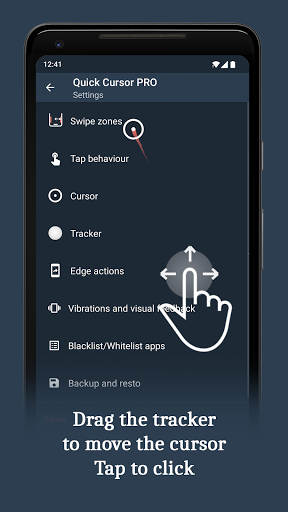
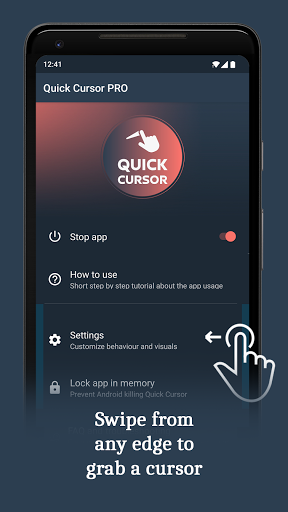
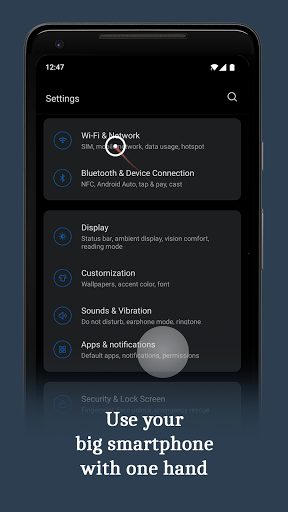
화면의 가장자리에서 손가락으로 스와이프하여 제어되는 컴퓨터와 같은 커서를 도입함으로써 한 손으로 큰 스마트폰을 더 쉽게 사용할 수 있도록 합니다.
- 화면 하단의 왼쪽 또는 오른쪽 가장자리에서 스와이프합니다.
- 하단에서 손 하나로 트래커를 드래그하여 화면의 상단으로 이동합니다.
- 트래커를 터치하여 커서를 클릭합니다. 트래커는 트래커 외부에서의 어떤 행동이나 일정 시간이 지나면 사라집니다.
새로운 기능 3.3.2
- Unlocked additional features in the free version.
- Added a new folder action to better organize actions.
- Introduced multi-level pie trigger actions.
- Introduced multi-level tracker actions.
- Added presets for trigger, tracker, and edge actions.
- Improved the increase and decrease actions for volume and brightness.
- Added an option to disable animations in debug settings.