Screen Share Tile Ứng dụng
Share screenshot in better and smooth way.
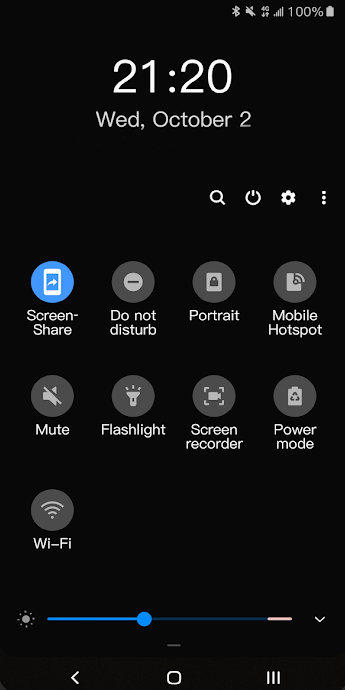
Screen Share Tile works through its quick settings tile, before using it, tile needs to be added on notification panel manually. After that, the process is easy:
- Click quick settings tile
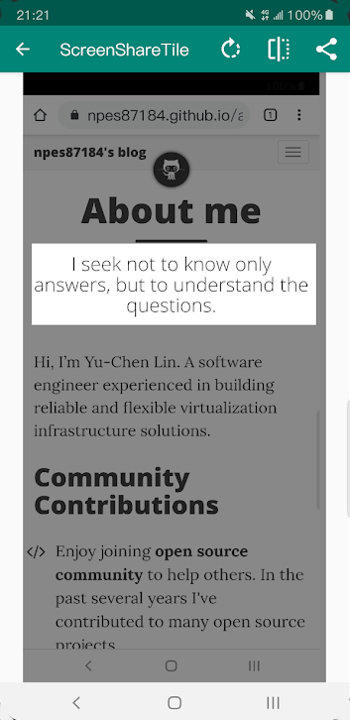
- Crop screenshot
- Share it!
To add the tile, please follow these steps:
- Pull down completely the notification shade.
- Tap the edit button (on stock Android it is a pencil). The quick settings editing layout will expand and display all the available tiles.
- Scroll down and find the screen share tile.
- Drag the tile up to the desired position.
- That's it!
Permissions:
- Screen Recording - required in order to capture screenshots