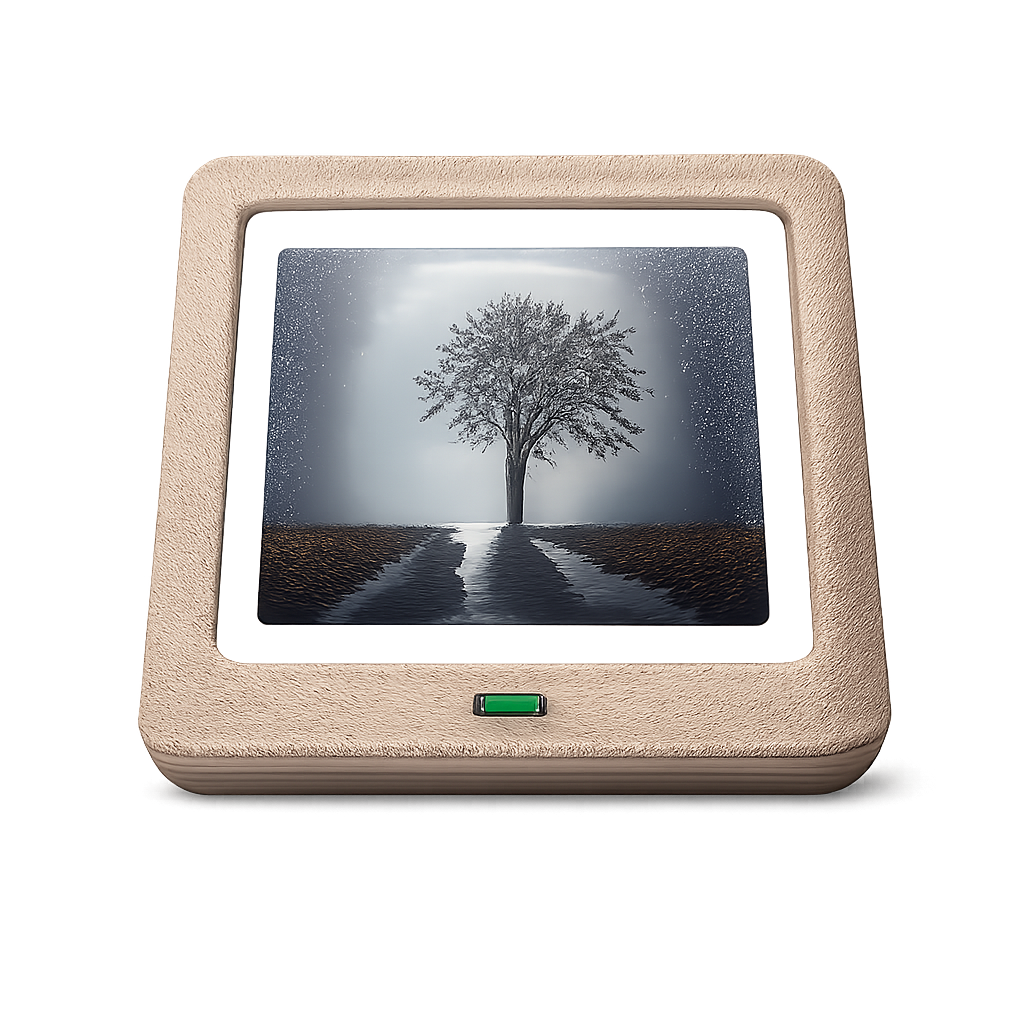


Nextcloud Photo Widget 应用
Shows a random picture from a folder on your Nextcloud server as a home screen widget, without syncing your photo library to the phone. Only one downscaled preview is stored at a time. Features- Any number of widgets, each with its own folders, tags, interval, shape and filter
- Random photo from one or more Nextcloud folders, subfolders included
- Tag filter: photos with any of some tags and all of others
- Time span filter: photos of the last days, optionally also of the same days in every earlier year
- Widget shapes: rounded corners, square, circle, oval, pill or cut corners; resizable down to one tile
- Picture changes automatically every 15 minutes to 24 hours, or only on tap
- The photo list is scanned once and then kept up to date by adding only new photos, with photo count, last sync time and sync duration shown; refresh it manually at any time
- Picture filters such as grayscale, sepia or an analog film look; pictures with "snapseed" in the file name are shown unfiltered, as they already have a look
- Tap the left edge for the previous picture, the right edge for the next one; the recent history is kept on the device, also for offline use
- Tap the center to open the picture in the official Nextcloud app; tap the bottom middle of a widget two or more cells high to show or hide the photo's date
- Light, dark or system theme