2048 Open Fun Game APK última versão
Plataforma: arm64-v8a, armeabi-v7a, x86_64
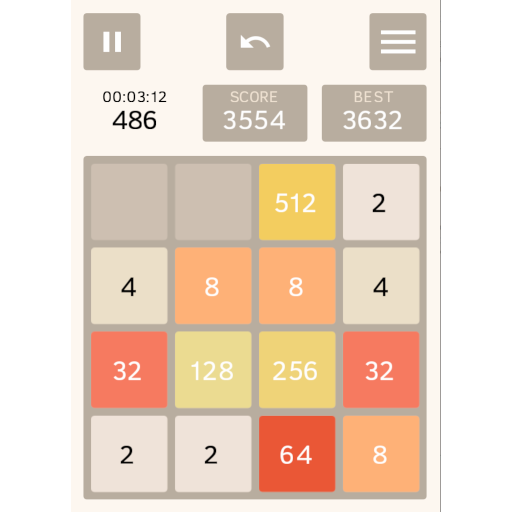
game2048-android-1.16.2-release.apk (1.16.2) APK
1.3 MB, Android 7.0 (Nougat API 24)

O que é Obtainium?
🙌🏻 APOIE OpenAPK
Doe para nos ajudar a manter o site
Especificações do Arquivo
✅ Este app é assinado por AndStatus com assinatura digital confiável e verificada e atualizará as instalações existentes de 2048 Open Fun Game
Impressão Digital do Certificado: 21139f94d24a1fe9ae7af96d4106efcf97339e47 Emissor: O=andstatus.org, CN=AndStatus Project
SHA-256: 12191f38ae70c1113bb4bec66a1fa4b2cf0d6f15b39371a7446ce2f6f181c4e6
Novidades em 2048 Open Fun Game 1.16.2
- Tap the "MOVE" block during gameplay to toggle tile animation speed.
- Unified movement speed across all tiles for smoother animations.
- Updated scoring to match the original 2048 game, awarding the combined value of merged tiles.
- Separate high scores tracked independently for each board size.
- Shortened labels for high-value tiles (16K, 32K, 64K, 128K) and added new higher tiles (256K, 512K, and 1M).
- Ability to open incomplete games directly in Play mode.
- Updated compatibility support for Android 17.
Permissões Solicitadas
- org.andstatus.game2048.DYNAMIC_RECEIVER_NOT_EXPORTED_PERMISSION
Como instalar arquivos APK de código aberto no Android
- Depois de baixar o arquivo APK, abra as configurações do seu Android.
- Toque em "Segurança".
- Role para baixo e toque em "Fontes desconhecidas".
- Toque no interruptor para ativar "Fontes desconhecidas".
- Localize o arquivo APK no seu dispositivo. Ele pode estar na sua pasta de downloads ou em outra pasta, dependendo de onde você o baixou.
- Toque no arquivo APK para iniciar o processo de instalação.
- Siga as instruções na tela para concluir a instalação.